In a world where we rely on tech for, well, almost everything, charging cables are a must. They keep our phones, computers, earbuds, and all the other devices we depend on powered up, but they can also create a lot of clutter. From nightstands to kitchen counters to suitcases, unruly wires and tangled cords can quickly become both an eyesore and a hassle.
The good news? Once you create an organization system that works for you, it’s usually easy to maintain — and it’ll make your life a whole lot easier. Organizing charging cables typically comes down to three simple steps: getting rid of duplicates, assigning cables to specific locations, and adopting cable-management solutions that actually suit your lifestyle (think clips, boxes, sleeves, and organizers).
We’re here to help you do just that.
What’s the Best Way to Organize Charging Cables: The Basics
- Only hold onto cables you actually use — ditch out-of-date ones
- Choose one dedicated charging location per device type
- Use a labelling system to keep clutter and chaos under control
- Use clips to hold up and shield cables from view
- Keep all your backup cables in one place
- Create different organization solutions for your home and travel cables
The Main Charging Cable Organization Issues People Face
Charging cable clutter is never an immediate problem — it’s something that builds up over time as you start using more and more devices. If you just have one smartphone, no problem. But chances are you’re working with a whole ecosystem of tech — think earbuds, smartwatches, and more — that all need cords to keep them charged. The more devices you collect, the more clutter accumulates. It’s totally normal, but it’s also time to get it under control.
Problem #1: You’re holding onto charging cables you don’t actually need
Odds are you’re holding onto a bunch of cables that all perform the same function. Sure, your phone and tablet might be from different brands, but if they both require a USB-C to charge, do you really need two different cables plugged in? Do an audit of your most-used tech and see if you’re holding onto a ton of different cables. It might be time to ditch some!
Problem #2: You’re trying to organize charging cables in a shared space
If you live alone, cable clutter is more easily managed, but if you share your space with your family or roommates, you’re probably facing issues like overlapping cables, stolen cords, or unplugged and swapped around cables constantly. In these situations, an organization system, complete with dedicated charging areas and labels, is key.
Problem #3: Your charging cables are getting tangled and unruly
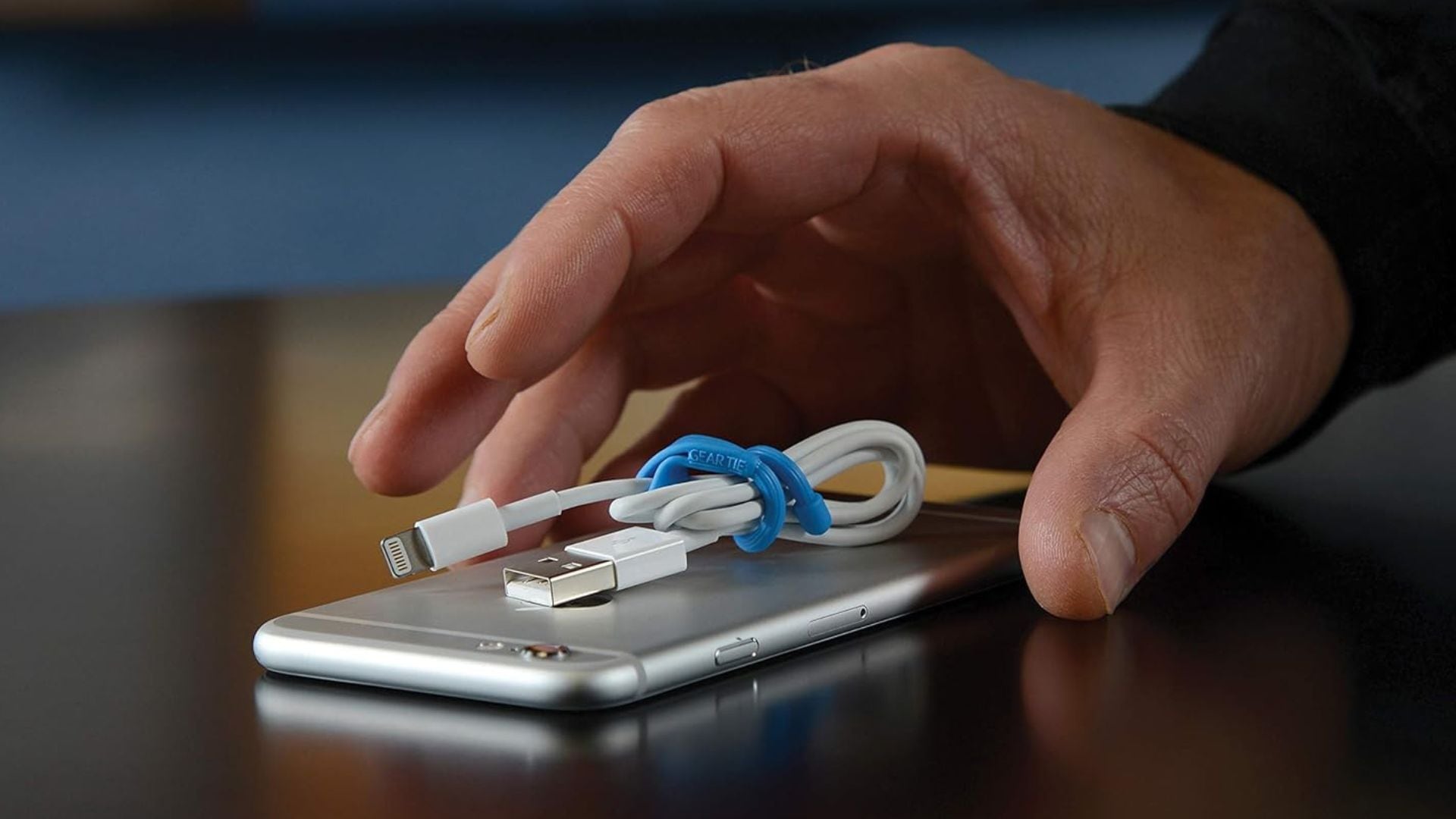
Looping, knotting, and fraying are problems everyone deals with. Using gear ties, velcro loops, pouches, and other management systems can extend the life of your charging cords and save you precious time when you need to power up your devices. More on those below!
How to Organize Charging Cables for Desks and Workspaces
How to Organize Charging Cables for Nightstands
How to Organize Charging Cables for Travel
How to Organize Charging Cables for Shared Spaces
FAQ About Charging Cord Organization
How do you keep charging cables from tangling?
Use gear ties to bundle your cords and reduce tangling. It’s also recommended that you keep cords that aren’t frequently in use tucked away in a drawer or cable organizer when they’re not being used for charging.
What’s the best way to store backup charging cables?
Order a cable organizer. They’re designed for travel, but will help keep your backup cables in one easy-to-find, tangle-free space. If you don’t want to spend extra, you can also dedicate a drawer or pouch to them.
Should you label charging cables?
If you share your space with a family or roommates, yes. Colour-coding and labelling will reduce the potential for swapping and/or losing cords that are in frequent rotation.
Are wireless chargers better for reducing clutter?
Yes, since they typically only require one outlet, they save space, reduce tangles, and keep your desk or nightstand looking sleek and streamlined. There are options for all types of devices, from phones to smartwatches to earbuds.
How many charging cables should you keep?
Obviously, you need one for every device you own and use. If your devices all rely on the same type of cable, you can probably cut back, but you should always have a backup available in case of emergency.