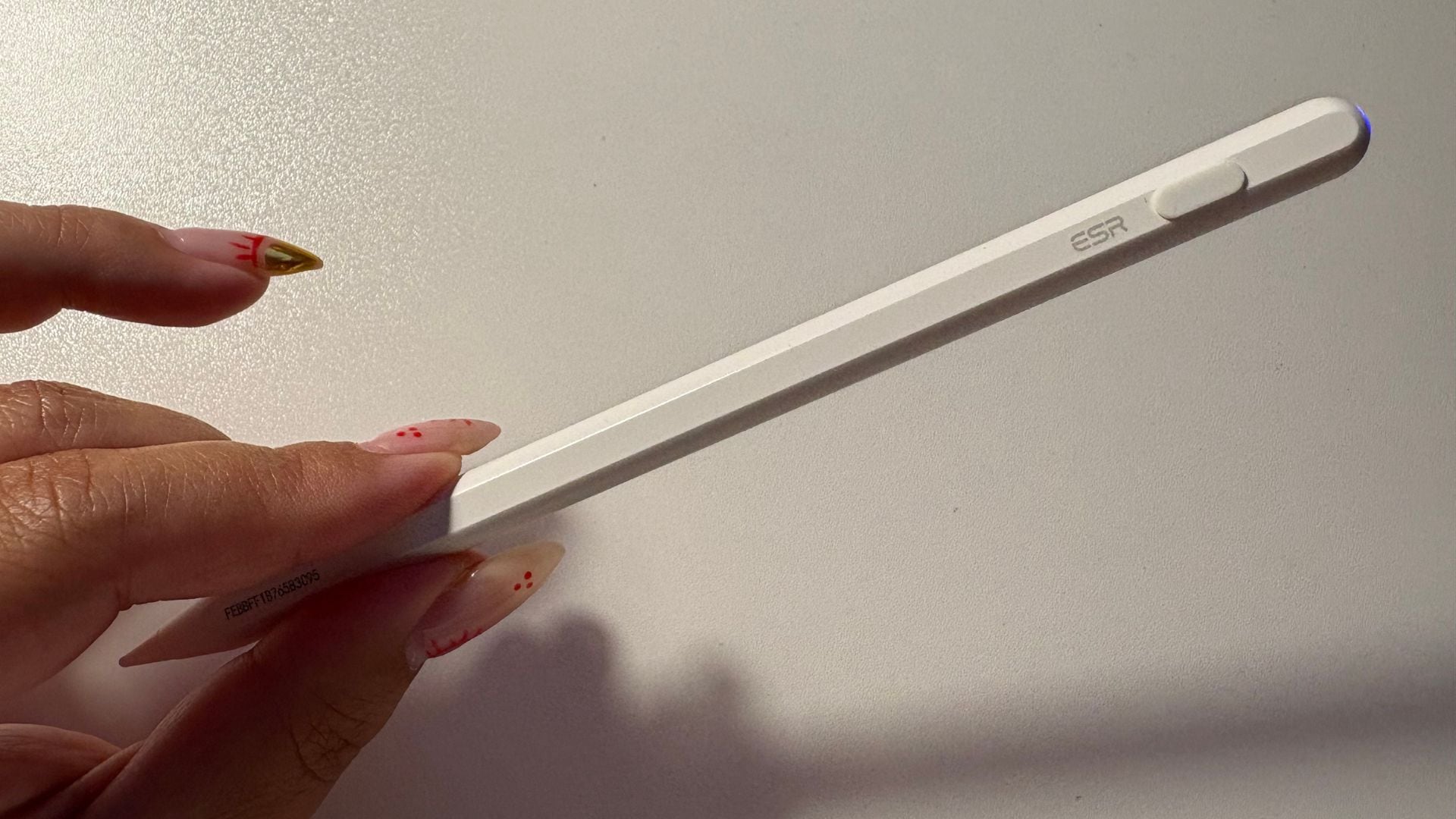
A year ago when I bought myself an iPad, I knew I wanted a pencil to go with it. But after dropping a considerable amount on the tablet itself, a case, and a screen protector, an Apple Pencil just wasn’t in my budget.
After some research, I came across the ESR Geo Digital iPad Pencil. When I purchased it, it cost between $39 and $45 (it remains in this range) and was backed by thousands of positive reviews. More importantly, it offered many of the same perks and shortcuts as Apple’s stylus, so I added it to my cart to test it myself.
My experience using the ESR Geo Digital iPad Pencil
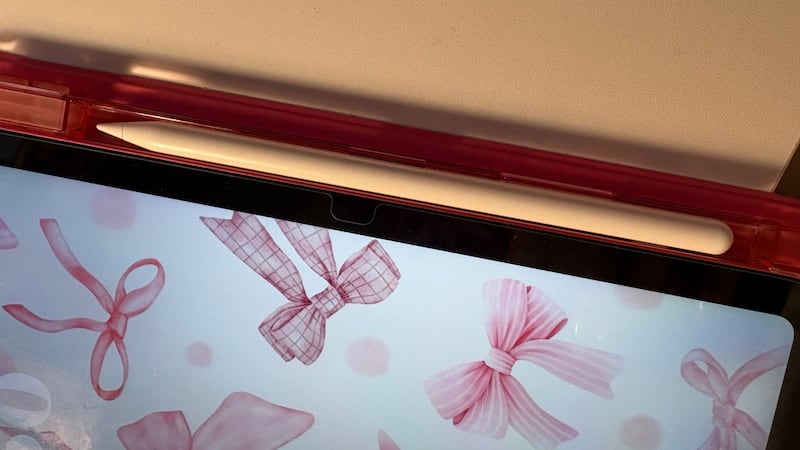
Let’s begin at the beginning: set up and feel. The ESR Geo Digital iPad Pencil, expectedly but much appreciated, was a breeze to connect to my iPad and the Find My app. It’s lightweight and fits right into the slot on my iPad case. It’s also compatible with many iPad models, including my 2025 A16 iPad (read the list of compatible models before ordering it for yourself!).
Like an Apple Pencil, one side of the ESR Geo Digital iPad Pencil is flat, which keeps it from rolling off my desk when I place it down; it also gives it a more comfortable hand feel. When I bought it, it was only available in black and white. I opted for the white, but now it comes in blue, purple, and pink. It also comes with three replacement tips and a USB-C charging cable.
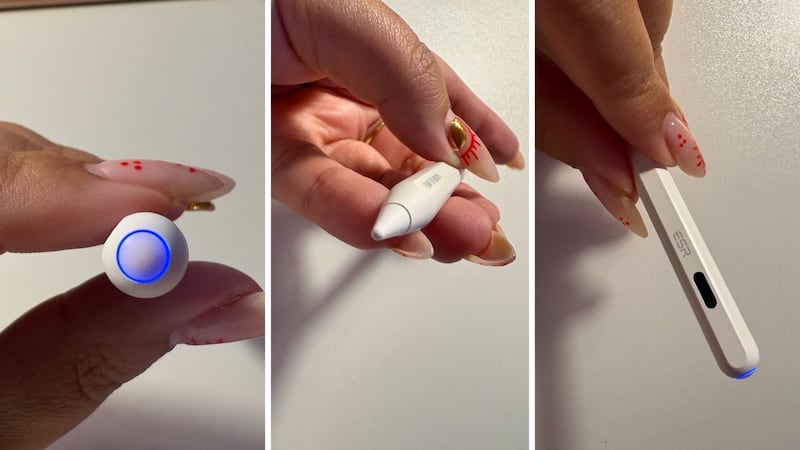
The power button is at the top of the pencil. Holding it down for a few seconds turns it on, and a blue power light kicks into gear to let you know it’s ready to use. I like that I can also use it to switch apps with a few clicks.
Two weeks after I started using the pencil, I noticed that the tip had already been worn down to its metal sensor. I took a quick dip into reviews and discovered people commonly have this problem with Apple Pencils when using paper-textured screen protectors, which is what I was working with. Luckily, the ESR Geo Digital iPad Pencil comes with three replacement tips. They are easy to swap out, so I did just that, and also switched to a tempered glass screen protector. I’m still using the same tip I put on over a year ago.
It was only fair to compare this Amazon model to the real deal, so I tried out my friend’s Apple Pencil to spot the differences and similarities.
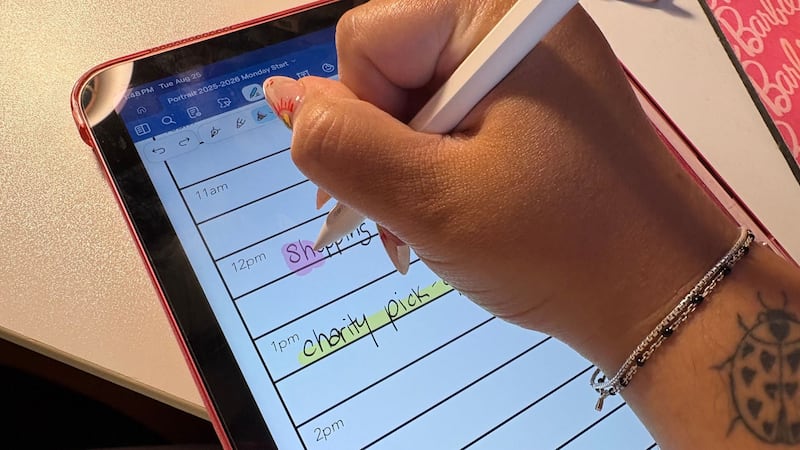
Like the Apple Pencil, the ESR Geo Digital iPad Pencil has tilt sensitivity, which means I can make lines thicker or thinner by tilting it at different angles (just like a real pencil or marker). I can also tap it in different ways to bring me back to my home screen, check the battery level, and open the task manager. It even plays a fun little song through the Find My app if it gets lost to help me locate it faster.
The only difference I’ve found is that my pencil doesn’t attach magnetically to my iPad, which means that it also can’t charge wirelessly. The magnetic attachment seems to apply specifically to my iPad model, as the product info says it can attach to other models, such as the Air, Pro, and Mini, but wireless charging is a no-go on all of them.
After a year of consistent use, it has really held up. I’m happy to report that the battery life is still going strong, and I’ve really gotten used to all of the shortcuts and functions.
Is the ESR Geo Digital iPad Pencil worth it?
I think the ESR Geo Digital iPad Pencil is a fantastic budget-friendly alternative to an Apple Pencil. It’s high-quality, performs incredibly, and is worth way more than the $45 price tag. I think that it’s a great product for anyone who either already has a compatible iPad or wants to get one, but doesn’t want to spend even more money on a stylus to use it.
Buy the ESR Geo Digital iPad Pencil if…
- You have/are getting an iPad and want to write or draw with it
- You don’t want to spend $100+ on an Apple Pencil
- You want a functional accessory in a fun colour
Don’t buy the ESR Geo Digital iPad Pencil if…
- It’s important to you that you own only Apple accessories
- You want your pencil to connect magnetically and charge wirelessly
What reviewers are saying about the ESR Geo Digital iPad Pencil
The ESR Geo Digital iPad Pencil has an average rating of 4.4 stars across over 3,300 reviews. Customers say that it’s convenient, easy to set up, and has an impressive battery life. Many even report that while they initially bought it as a cost-saving alternative to the Apple Pencil, they’re shocked at how well it works and even recommend it over an Apple Pencil in some cases. The only con people can agree on is that you aren’t able to charge it wirelessly, but since the battery lasts so long, it doesn’t seem to be a dealbreaker for anyone.