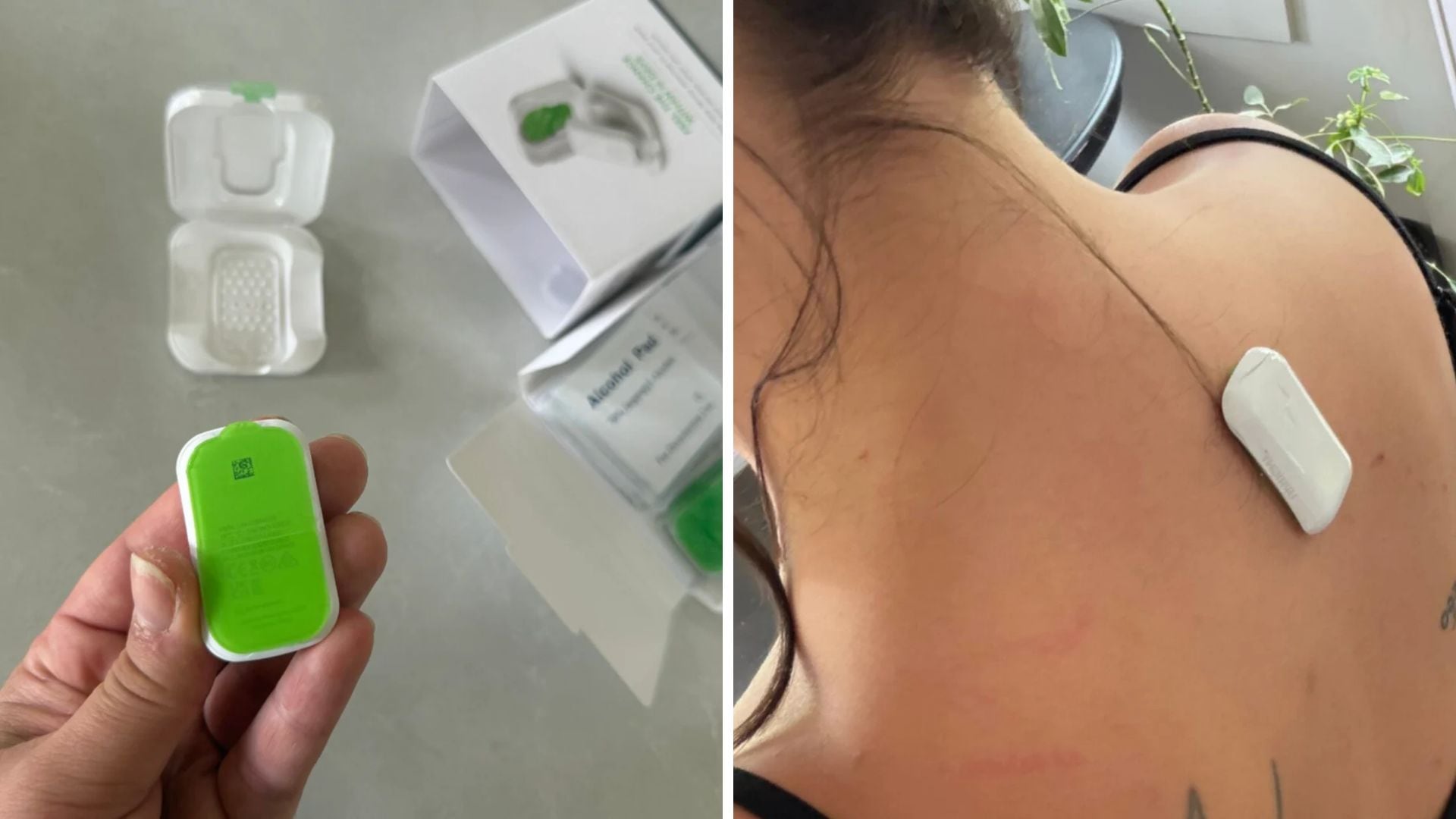
This post has been translated from content originally published on Noovo Moi.
When I was a kid, my parents were constantly on my case reminding me to stand up straight. Because I grew so quickly, I tended to slouch and hunch my back. Let’s just say some things haven’t changed.
Now that I’m in my mid-thirties, I’m dealing with constant back pain caused by years of poor posture. The realization that I’m working hunched over a computer, spending hours on my phone, and not being disciplined enough at the gym, prompted me to try a device that promises to correct your posture in just 14 days. Here’s what I thought.
The Device:
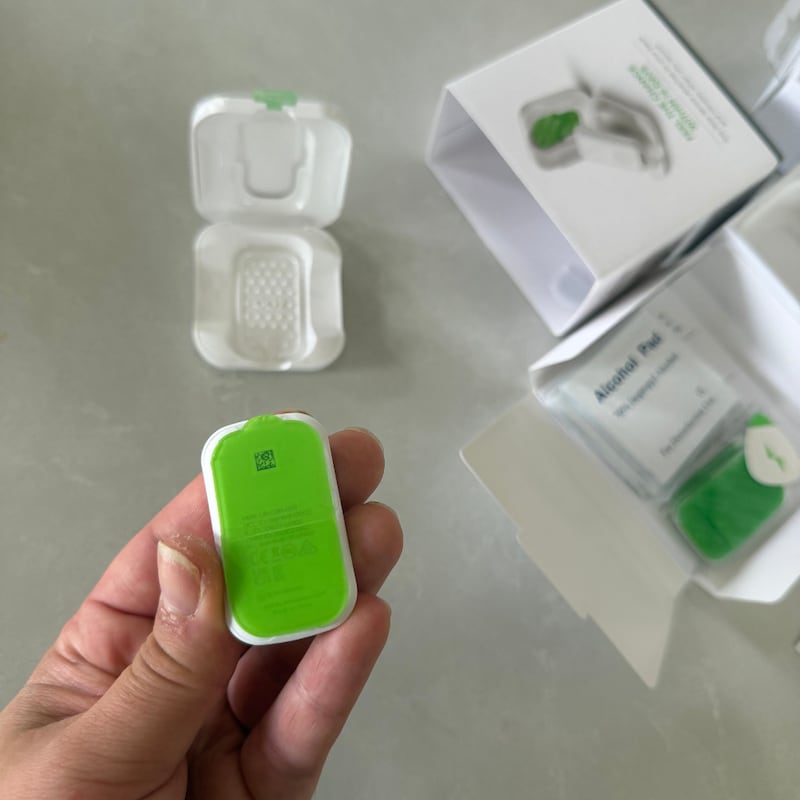
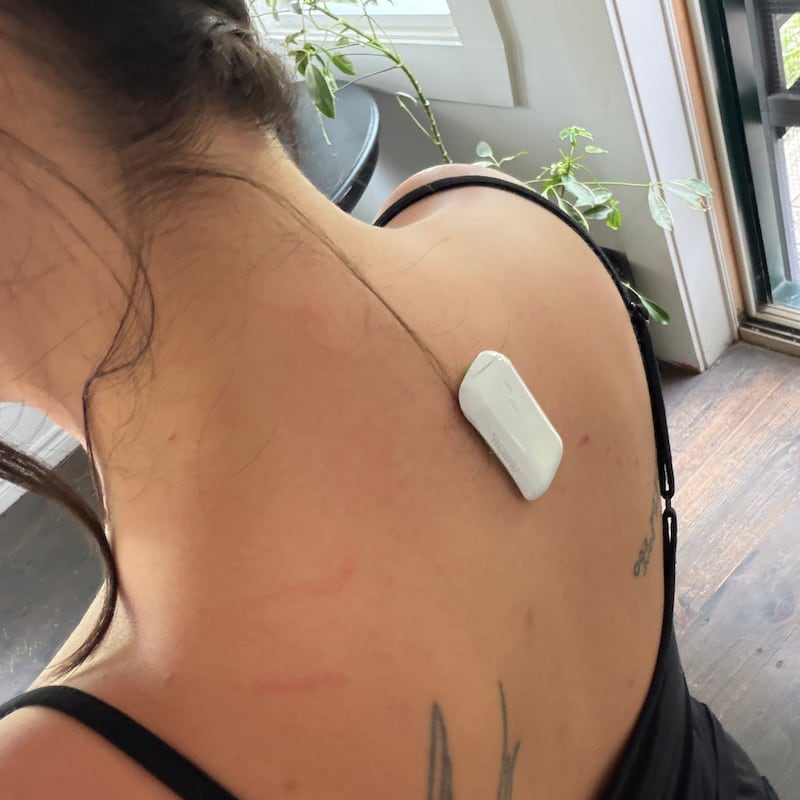
The Upright GO 2 Posture Trainer works on a very simple principle: whenever our posture starts to slip, the small device vibrates to let us know that we’re no longer maintaining proper alignment. The small sensor can be worn between the shoulder blades, directly on the skin, or secured in place using a specially designed adhesive.
Getting the Upright GO 2 Posture Trainer set up
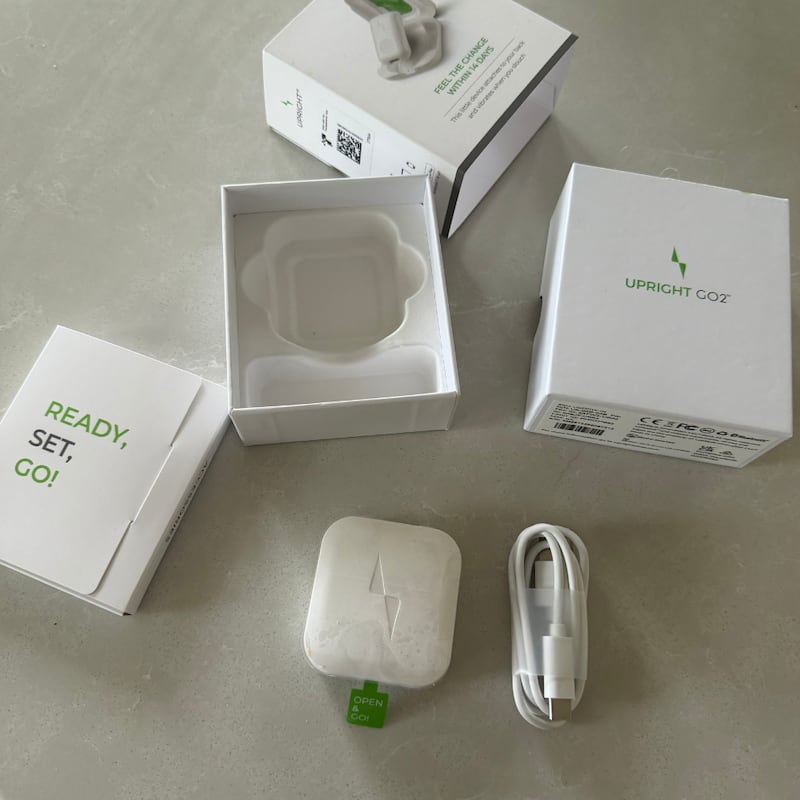
When I received the Upright GO 2 Posture Trainer, the first thing I noticed was how much the packaging and unboxing experience resembled Apple products. It immediately gave me the impression that this was a premium product. Inside the box, you’ll find the sensor, a storage case, a charging cable, replacement hypoallergenic adhesive strips and a small instruction booklet.
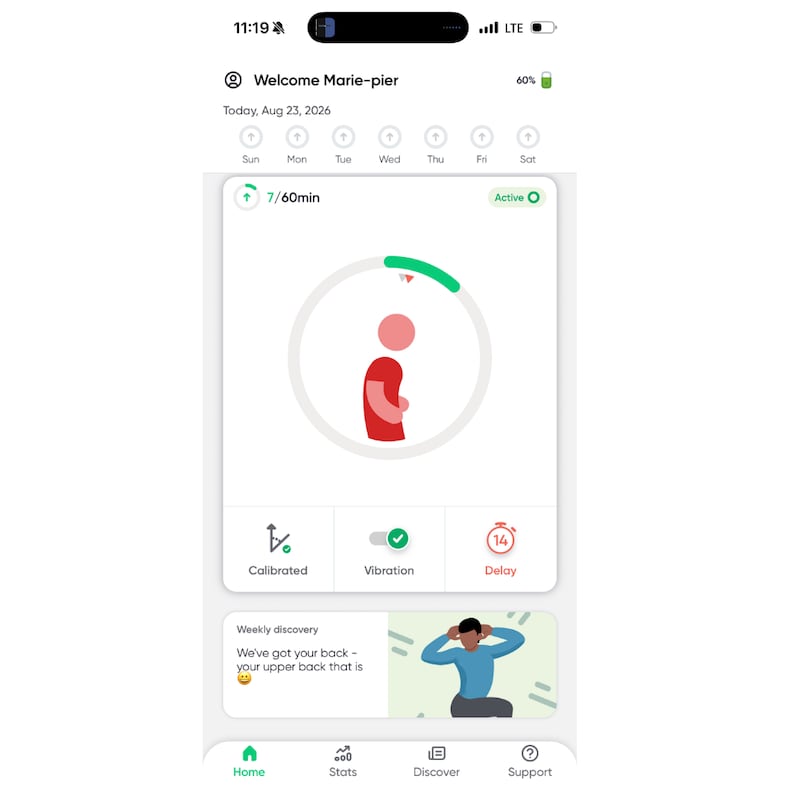
Next, you’ll need to download the (free!) app, which lets you set your ideal posture, customize your notification preferences and adjust the vibration settings. I should mention that I turned the vibration intensity all the way up, as I could barely feel it at the default setting.
My experience using the Upright GO 2 Posture Trainer
The first few times the Upright GO 2 Posture Trainer vibrated against my spine, I have to admit, I felt a little like a dog being scolded, and in my opinion, that’s exactly what makes it work. The vibration isn’t painful, but it is disruptive enough to effectively interrupt whatever you’re doing. After just a few hours, I caught myself straightening up automatically before the device even had a chance to vibrate. I didn’t want my little gadget telling me off! Pride? Maybe.
One small drawback. The highest vibration setting is a little noisy, which makes wearing the device in public somewhat awkward, especially when it’s hidden under your clothes.
My verdict on the Upright GO 2 Posture Trainer
I really liked the Upright GO 2 Posture Trainer. I didn’t realize just how poor my posture had become, and seeing my little avatar adjust its posture as I made changes was very motivating. Plus, despite having extremely sensitive skin (as you can see in the photo, I have dermographism), I didn’t find the adhesive uncomfortable.
That said, on a hot day, I’d be more inclined to use the necklace, as sweat reduces the adhesive’s ability to stick to my skin.
I was disappointed, however, that the app appears to be available only in English — unless the option is very well hidden! That said, setup is quick and easy, so you don’t need an advanced level of English to use it.
If you’re a tech enthusiast looking for an unconventional way to improve your posture and ease back and neck pain, the Upright GO 2 Posture Trainer could definitely be the solution you’re looking for!