This post has been translated from content originally published on Noovo Moi.
In today’s technological landscape, home printing has become a necessity for many households, especially those with a home office. In recent years, I’ve had to buy at least four different printers, all of which eventually needed replacing and cost me a fortune in ink cartridges. To save money, I generally chose models priced between $90 and $140.
As usual, according to Murphy’s Law, every time I really needed my printer, I couldn’t get it to work. Either the paper jammed, the driver malfunctioned, my computer no longer recognized the printer, or there was a problem with the ink cartridge. I’m sure you’ve experienced similar frustrations with your printer, too.
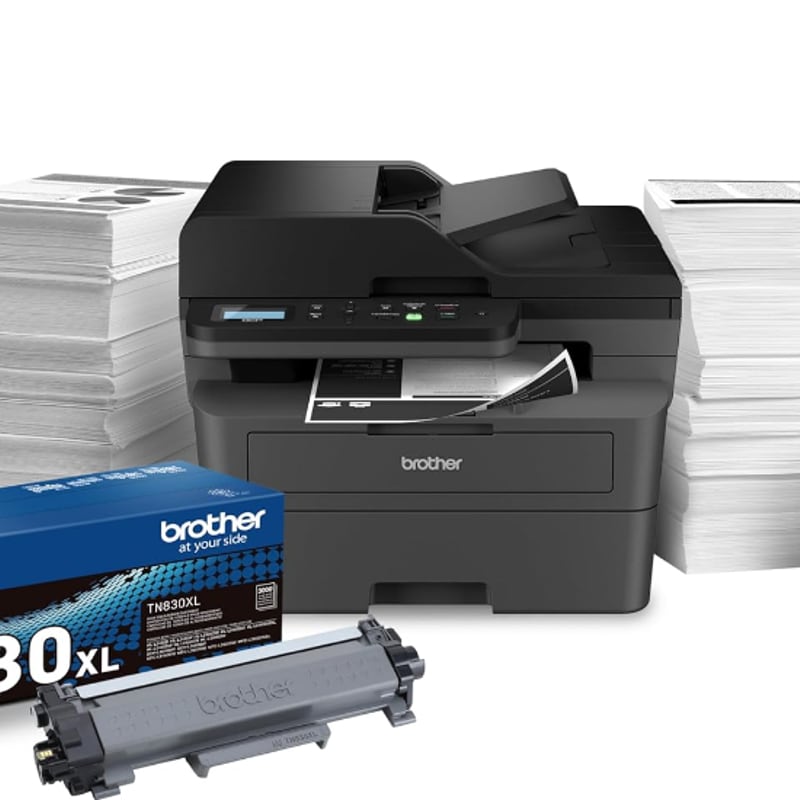
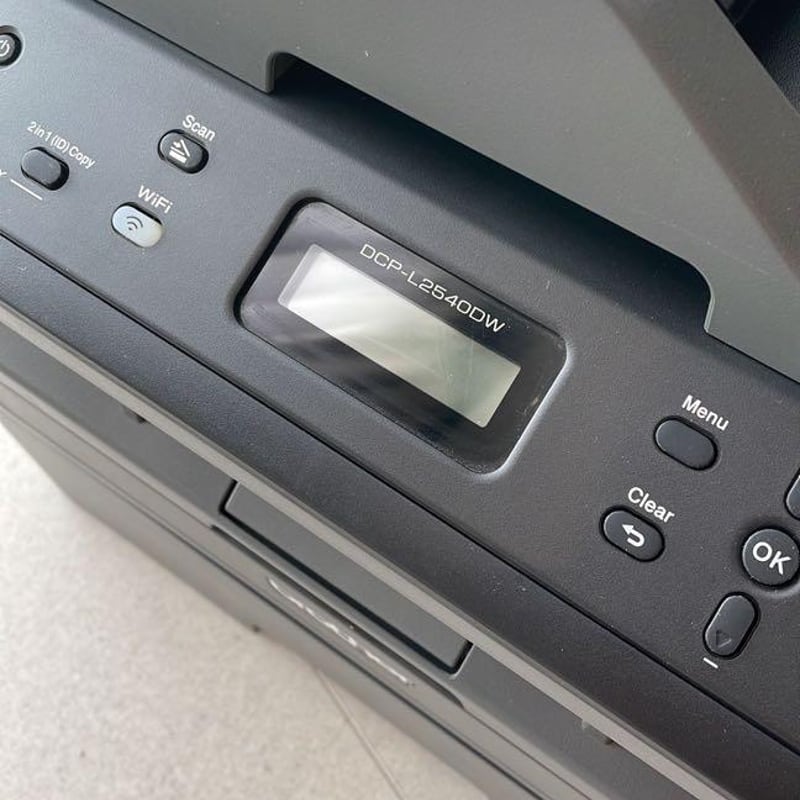
After doing some research, I found that the Brother DCP-L2550DW was the printer most consistently recommended. I put it to the test and am sharing my honest impressions, exploring its features, ease of use, print quality and value for money. Whether you are a tech enthusiast looking for the latest model, or simply seeking a practical solution for your home printing needs, this review will help you with your purchase decision.
My first impressions of the Brother DCP-L2640DW Multifunction Printer
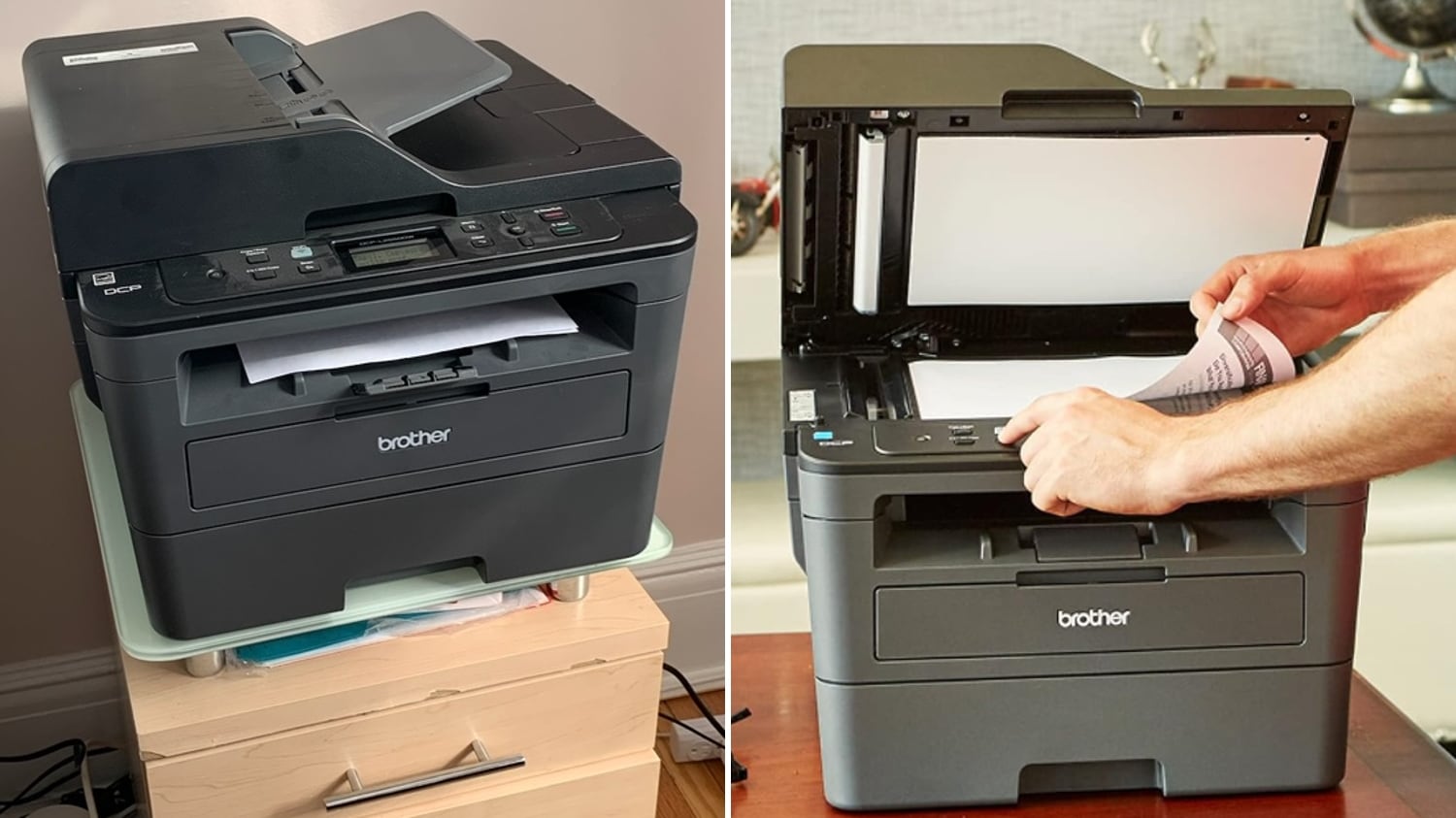
This machine stands out for its durability and smooth, reliable printing. The paper tray holds up to 250 sheets, and a manual feed slot is also available for envelopes and specialty paper.
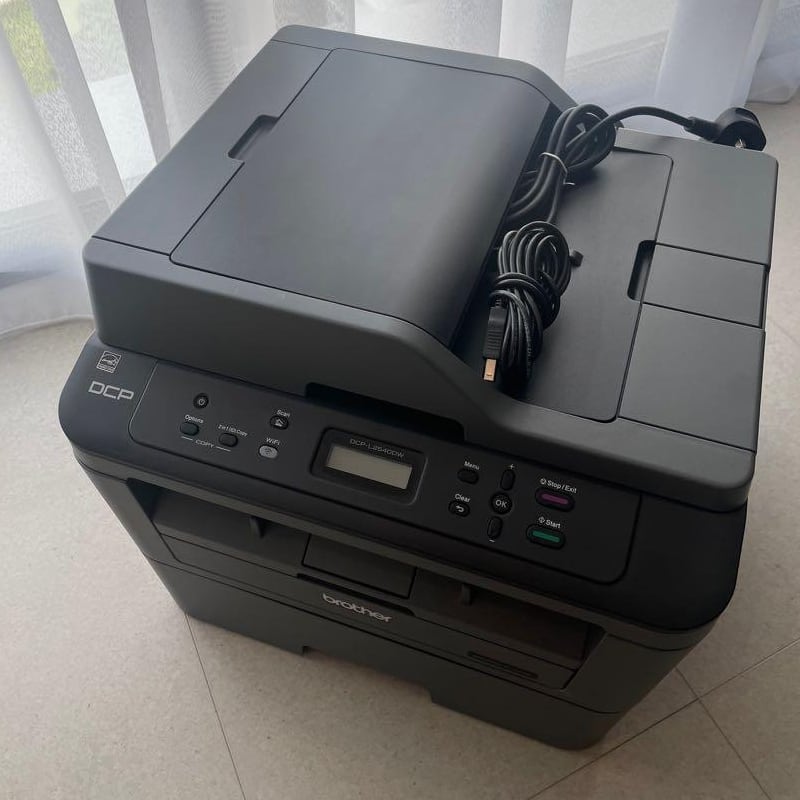
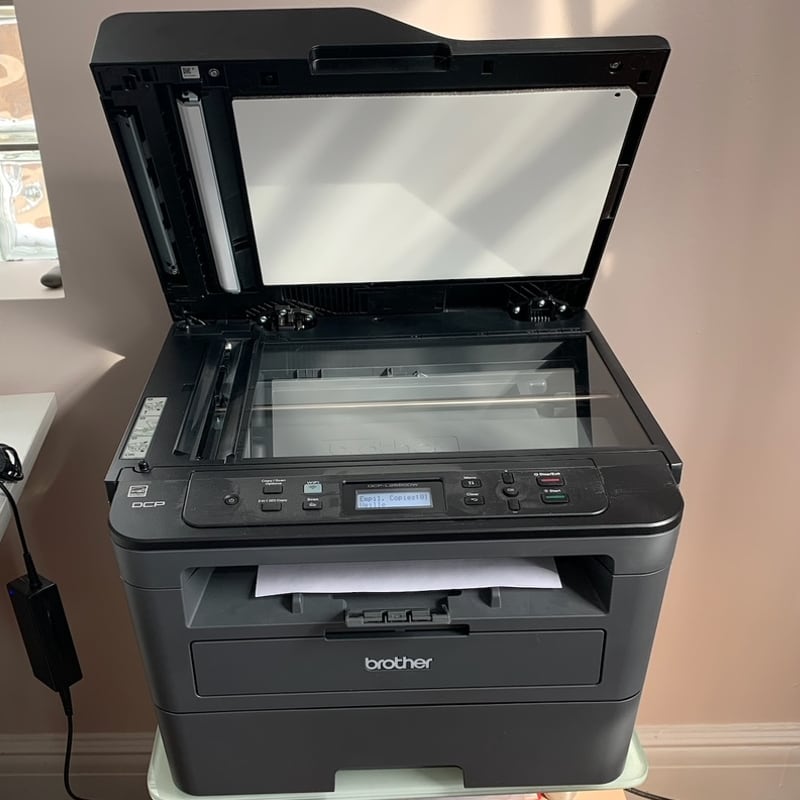
Like most printers today, this device is multifunctional, allowing you to scan all your important documents. I find this feature comes in handy when printing and signing tax returns, returning contracts and agreements, or simply printing our children’s schoolwork.
In addition, the Brother Mobile Connect app lets you manage your printer remotely, allowing you to print or scan at any time. The app also lets you monitor toner usage and manage print jobs while you’re on the go.
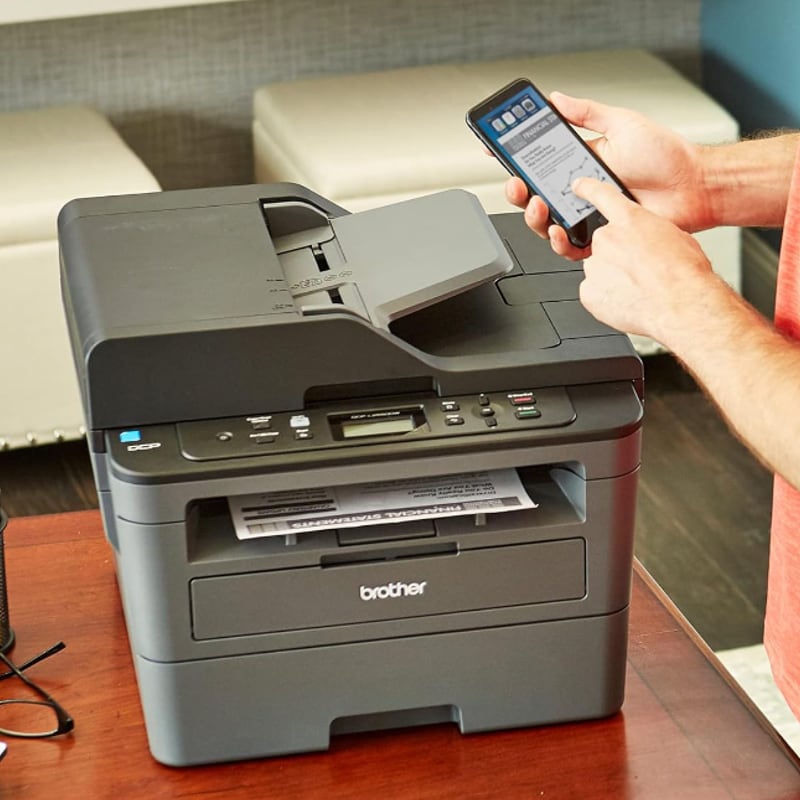
My experience using the Brother Multifunction Printer
This model offers wireless connectivity, so you don’t need to have your computer right next to it for it to work. The device itself is easy to use and, according to most reviews, easy to set up. For me, the most difficult step was finding my printer model on the support.brother.com website. I was eventually able to find the right instructions with a quick internet search.
After nine months of use, knock on wood, I haven’t had any issues with toner or paper jams. Plus, you can save up to 50% on genuine Brother toner by subscribing through the website. This helps keep toner costs down and makes the printer more affordable to operate. And even if you go a long time without using the printer regularly, you don’t have to worry about the ink drying out.
The details you should know about before you buy
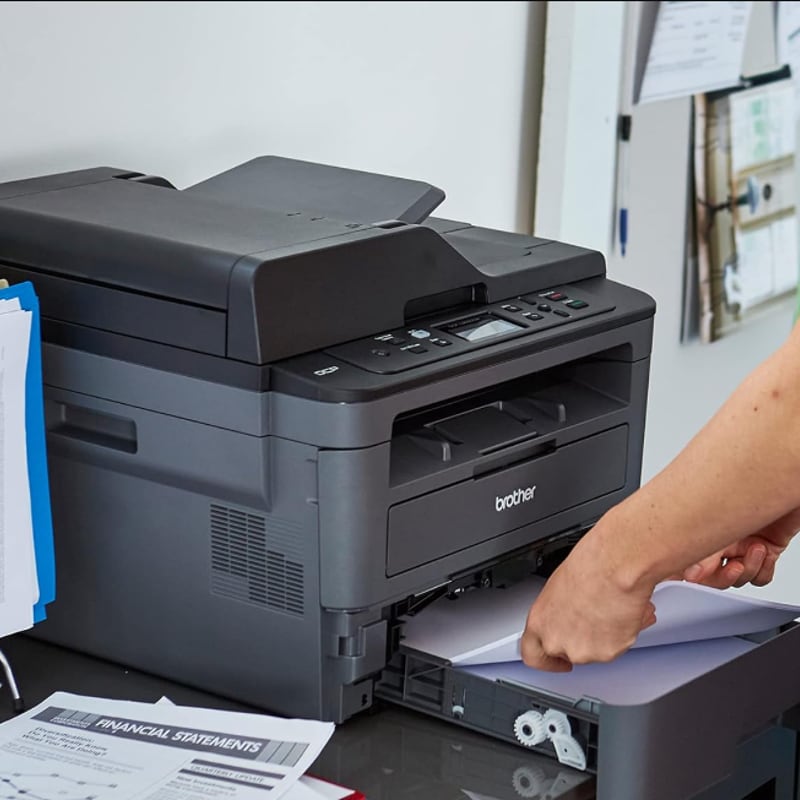
The device takes up considerable space, so you should plan accordingly before purchasing it. If you intend to place it on your desk, make sure you have enough room. Secondly, the printer is monochrome, meaning it only prints in black and white. If you need to print in colour or want to print photos, this product won’t meet your needs. Finally, the printer can be quite noisy during operation. If you’re looking for a quiet model, this might not be the best fit for your needs.
Do I recommend it?
If you’re looking for a reliable, easy-to-install multifunction printer that prints in black and white, this is definitely the one for you. Its large paper capacity and useful features are sure to win you over, providing fast, reliable printing, copying and scanning for years to come.
Another Noovo Moi-approved printer that should be on your radar:
Since there are so many printer models on the market, we also tested a worthwhile option from another brand. The Epson EcoTank ET-4950 Wireless Colour All-in-One Supertank Printer is easy to set up in a home office and comes with an ink supply that lasts a long time, saving you from having to shell out for frequent refills. Like the Brother printer, it can also connect to your phone, allowing you to manage its settings with ease.